Place, time zone, and mile marker
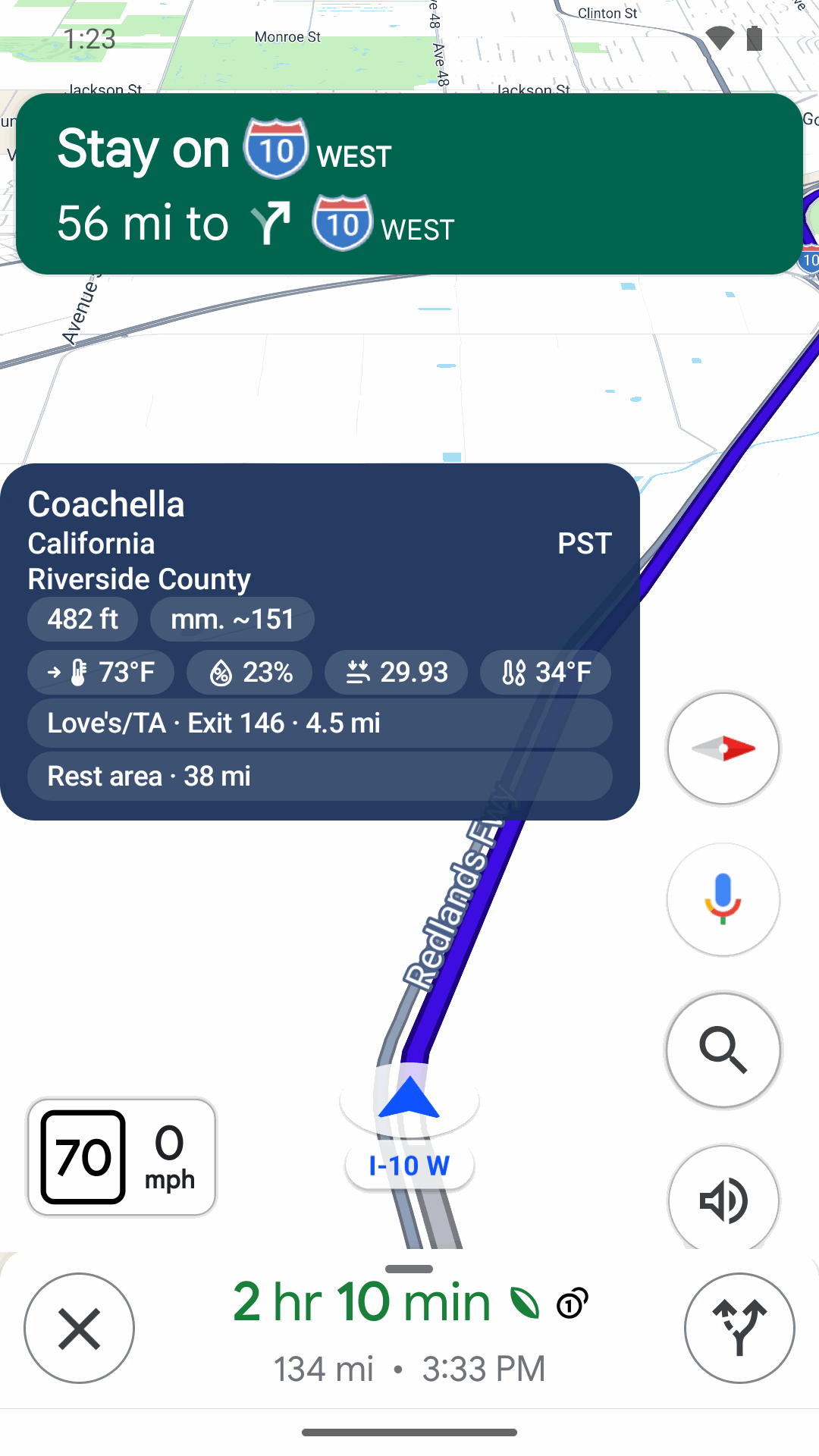
Your city, state, county, the time zone on your phone, and an estimated highway mile marker.
Mile markers, exits, elevation and truck stops over Google Maps.
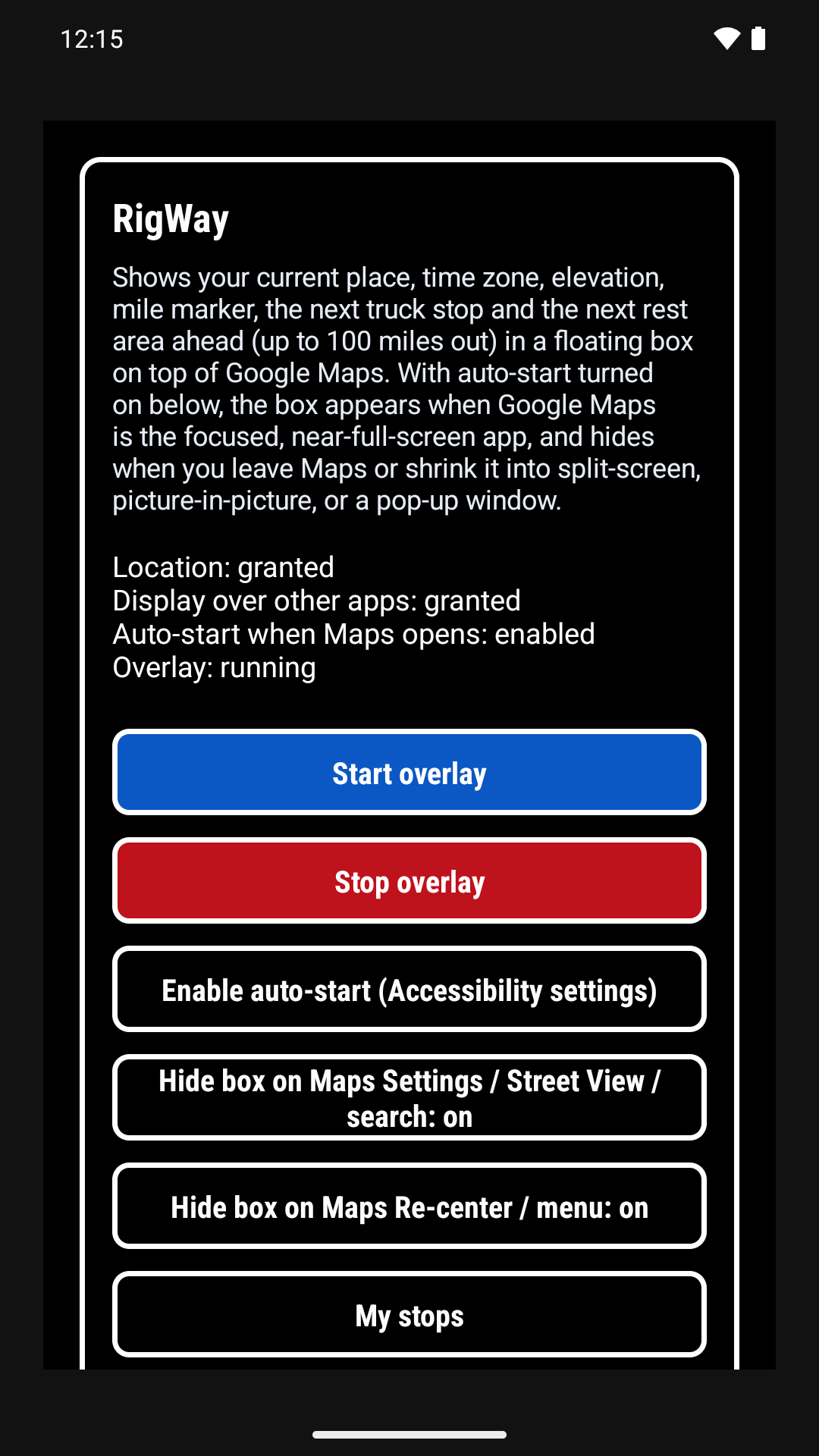
RigWay™ floats on top of Google Maps and puts everything a driver needs in one glance: your location, elevation and road grade, the mile marker, the weather where you are, the next truck stop and rest area ahead, and the next scale house ahead — with its distance only.
Private Google Play test. You must be added to the tester list first.
7-day free trial, then $1.99/month. Less than a cup of Starbucks coffee.

The overlay
Your city, state, county, the time zone on your phone, and an estimated highway mile marker.
Elevation from your phone, and road grade on hills of 3% or steeper that last more than half a mile.
Left to right: temperature with its own trend arrow, humidity, barometric pressure (the icon shows the rising or falling trend), dew point, and optional wind speed with a direction arrow (off by default), from the US National Weather Service. Each one is a switch in Choose overlay info, in Imperial or Metric (mph / km/h for wind).
Love’s, Pilot, Flying J, TA, Petro, and One9, grouped when they share an exit.
The next rest area, overlook, or similar stop, with its type and the distance.
The next weigh station, port of entry, or DOT inspection station on your highway, with the distance (for example SCALE HOUSE · 12 mi). Location and distance only — RigWay™ never shows whether a scale is open or closed. Always follow the roadside signs. Turn it on or off in Choose overlay info.
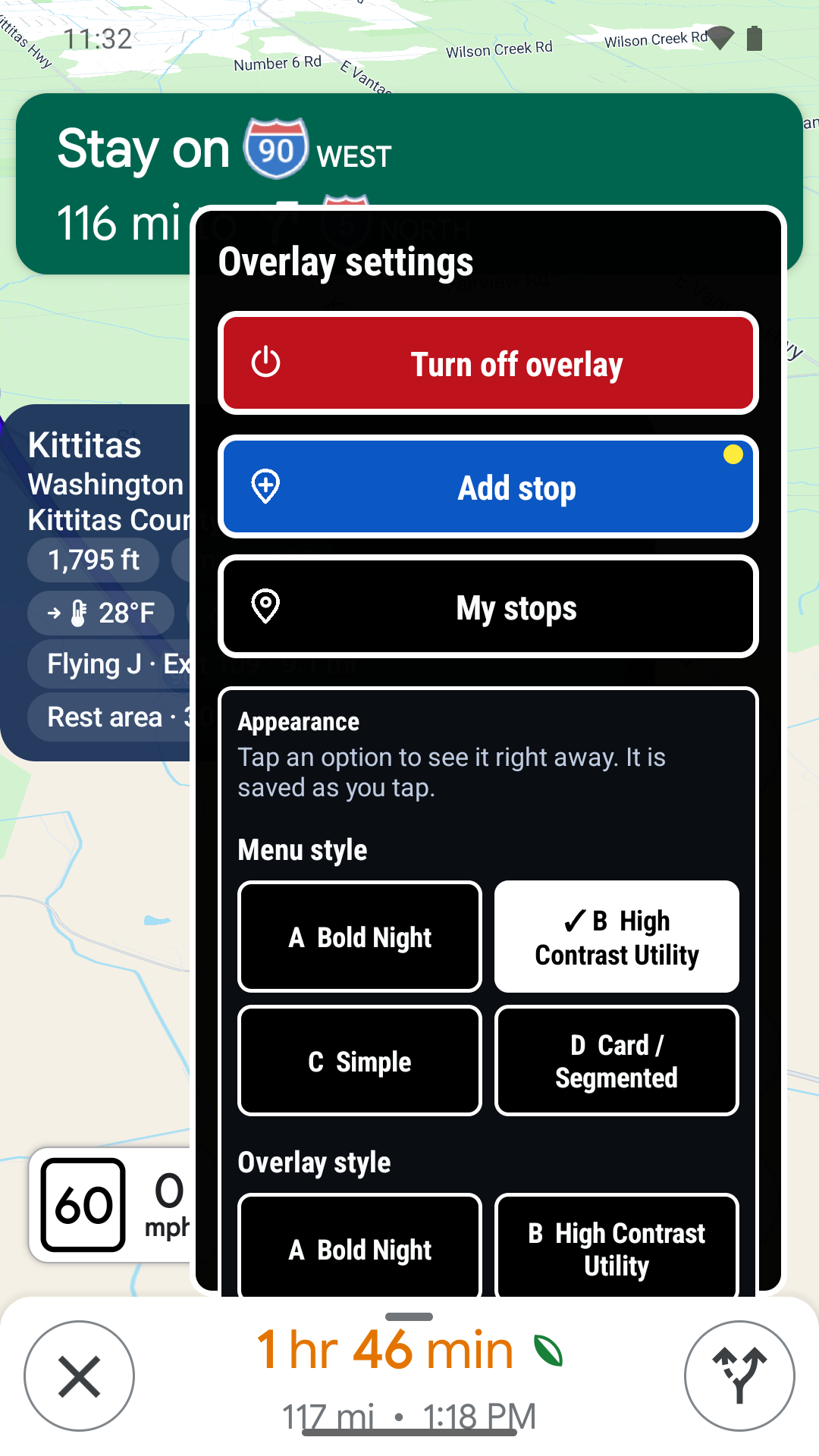
Add a stop from any Google Maps share. Saved places stay in My stops on your phone.
No account and no ads. RigWay™ goes online only to fetch the weather, and at most once a day to check for an update. It does not browse the web. The box hides over Maps sheets and search, and stays up during navigation.
All place, highway, truck-stop, rest-area, and scale-house data is built into the app. Your location stays on your phone, except the approximate position used for the weather line. See How to use RigWay™ for the full guide.
From the app
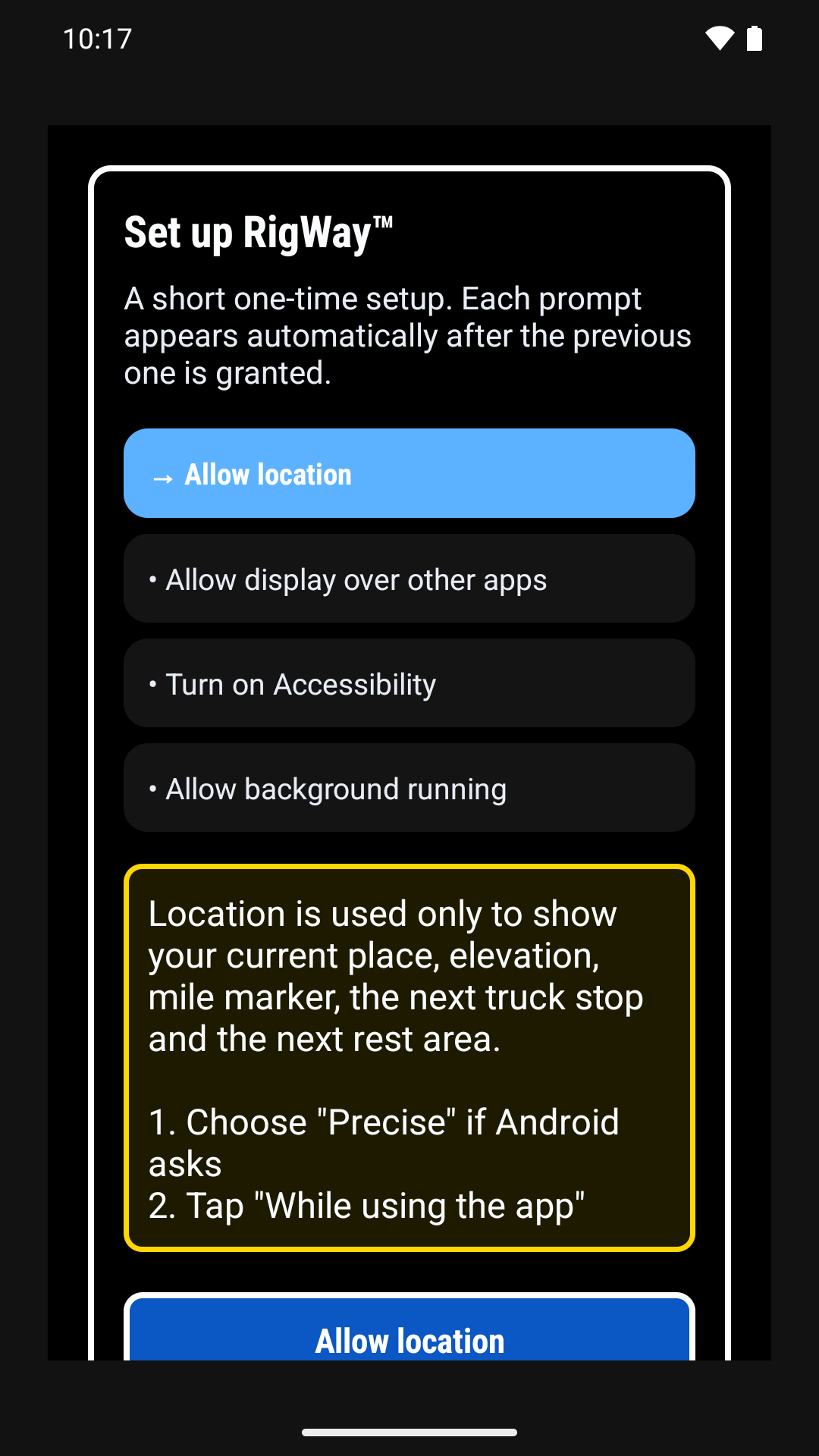
Watch
A short ad for RigWay™ Trucker Overlay. About 36 seconds, with sound.
Video and narration made with AI.
Trial and subscription
Try RigWay™ free for 7 days. After the trial, the subscription is $1.99/month. Less than a cup of Starbucks coffee. Payment will be handled by Google Play. For questions about the trial, subscription, or payments, use the support address below.
Google Play
Testers have to be added to the list first. The opt-in link will not work until your Google Play email is on that list.
Email us at customersupport@2by9studio.com and include the Google Play email address you want added as a tester.
Request to joinOnce you have been added, open the internal test link on the same Google account and accept the test.
Open the opt-in linkUse this link only after you have been added. If Play says the test is not available, your email is not on the list yet.
Contact
Questions about RigWay™, this site, or the privacy policy? Start with How to use RigWay™, or email the public support address.
customersupport@2by9studio.com
Privacy, legal or business: contact@2by9studio.com